


Description
Download WavePad Audio Editor Free APK – free audio editor, audio editing app, wavepad audio editor, android audio tool, journalist audio tool
Overview
WavePad Audio Editor Free APK is a mobile audio editing solution designed for users who need to manage audio recordings on the go. The application is particularly suited for journalists, content creators, and field researchers who rely on capturing and refining interviews or field recordings during travel. With a focus on portability and simplicity, the app enables users to record, edit, and share audio files directly from their Android devices. Its core functionality centers around providing quick access to essential editing tools, allowing for real-time adjustments such as trimming, cutting, and adjusting volume levels. The software supports a wide range of audio file formats, enhancing compatibility across different workflows. While the app is free to download and use, certain advanced features are locked behind a paid upgrade, which is frequently highlighted during use. The developer, NCH Software, has positioned this tool as a lightweight yet effective option for mobile audio processing. Real-world usage scenarios include editing interview clips after fieldwork, preparing voice notes for submission, or refining podcast segments during commutes. The application’s mobile-first design makes it ideal for users who prioritize accessibility and convenience over desktop-level power.
Key Features & Capabilities
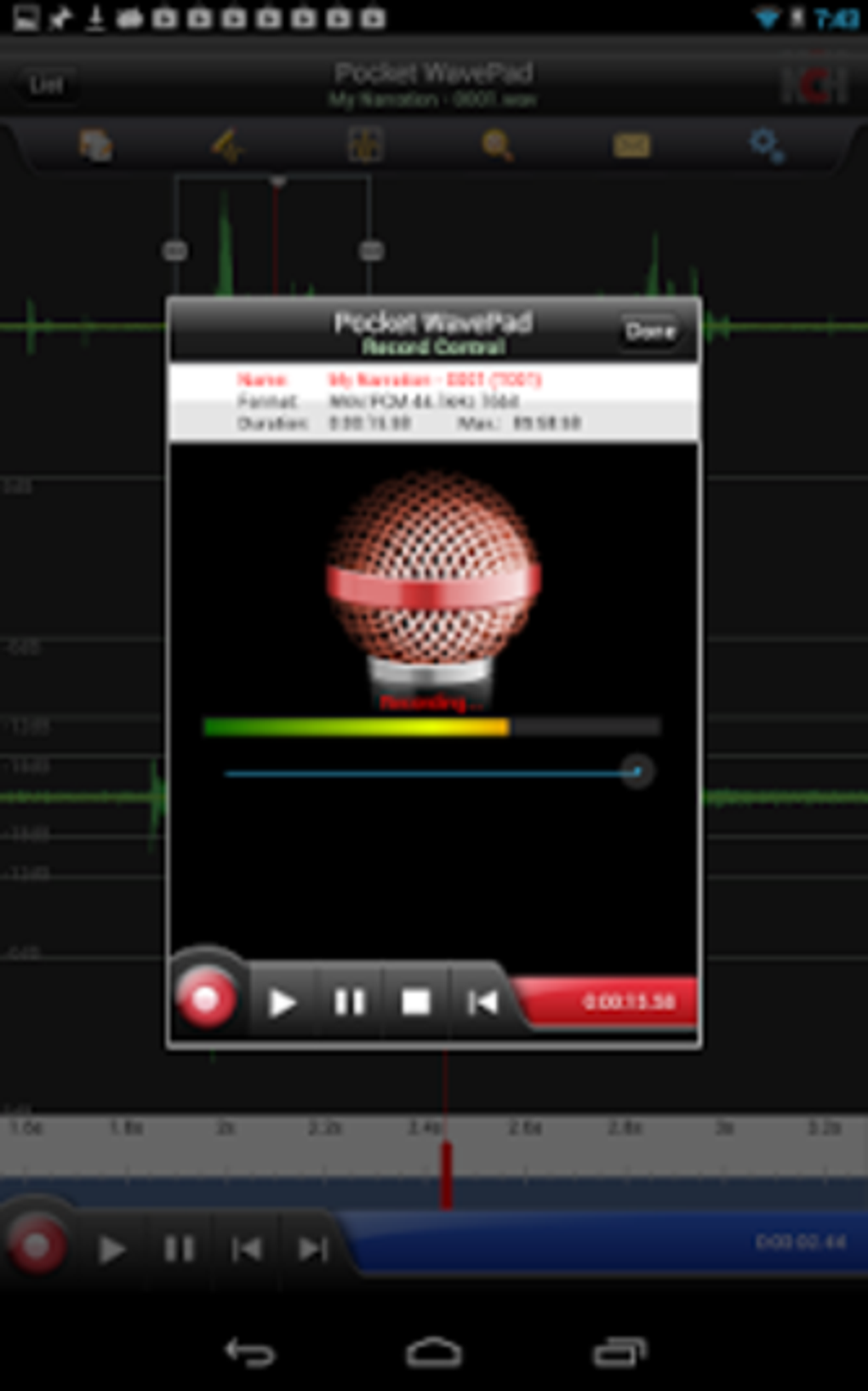
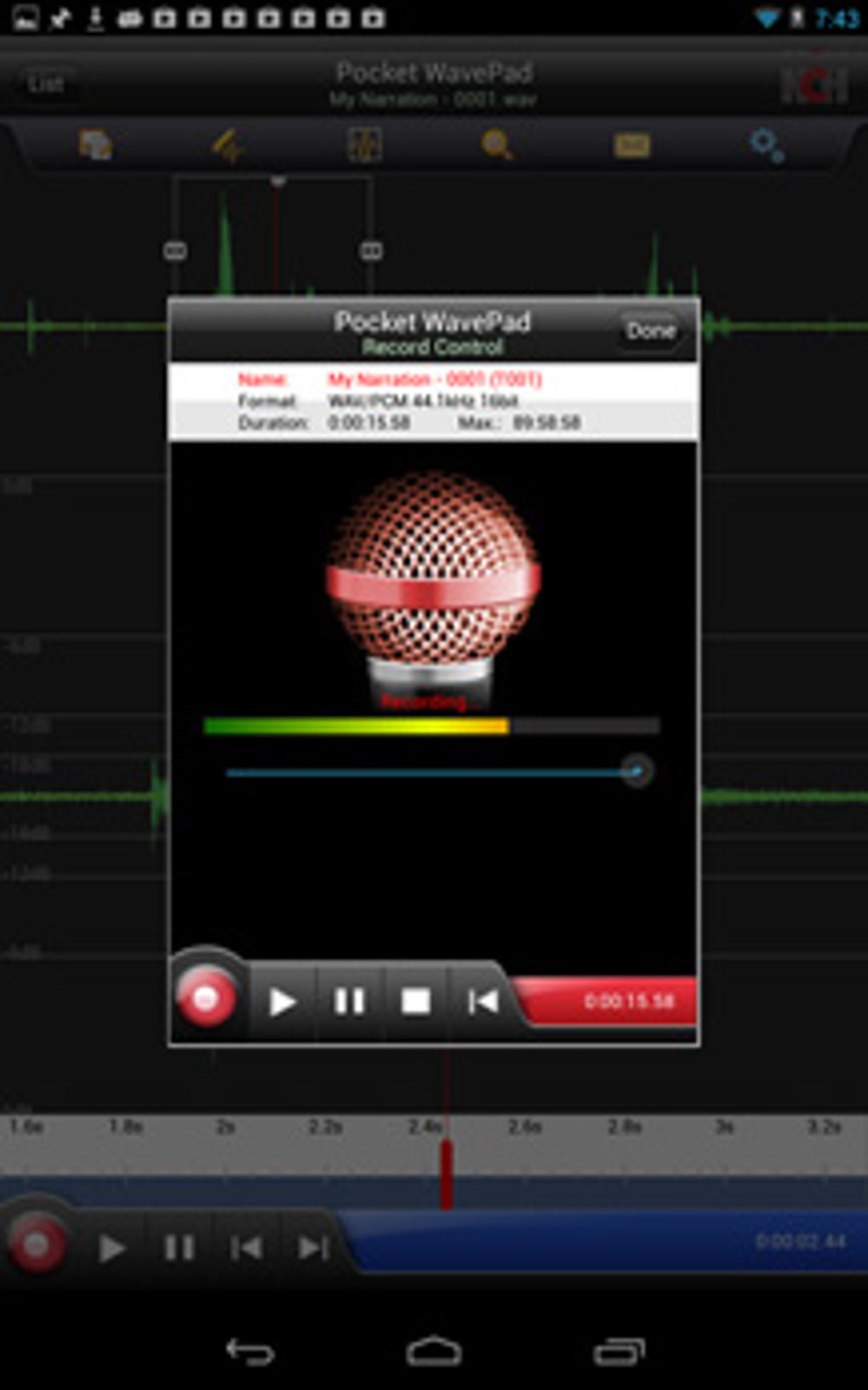
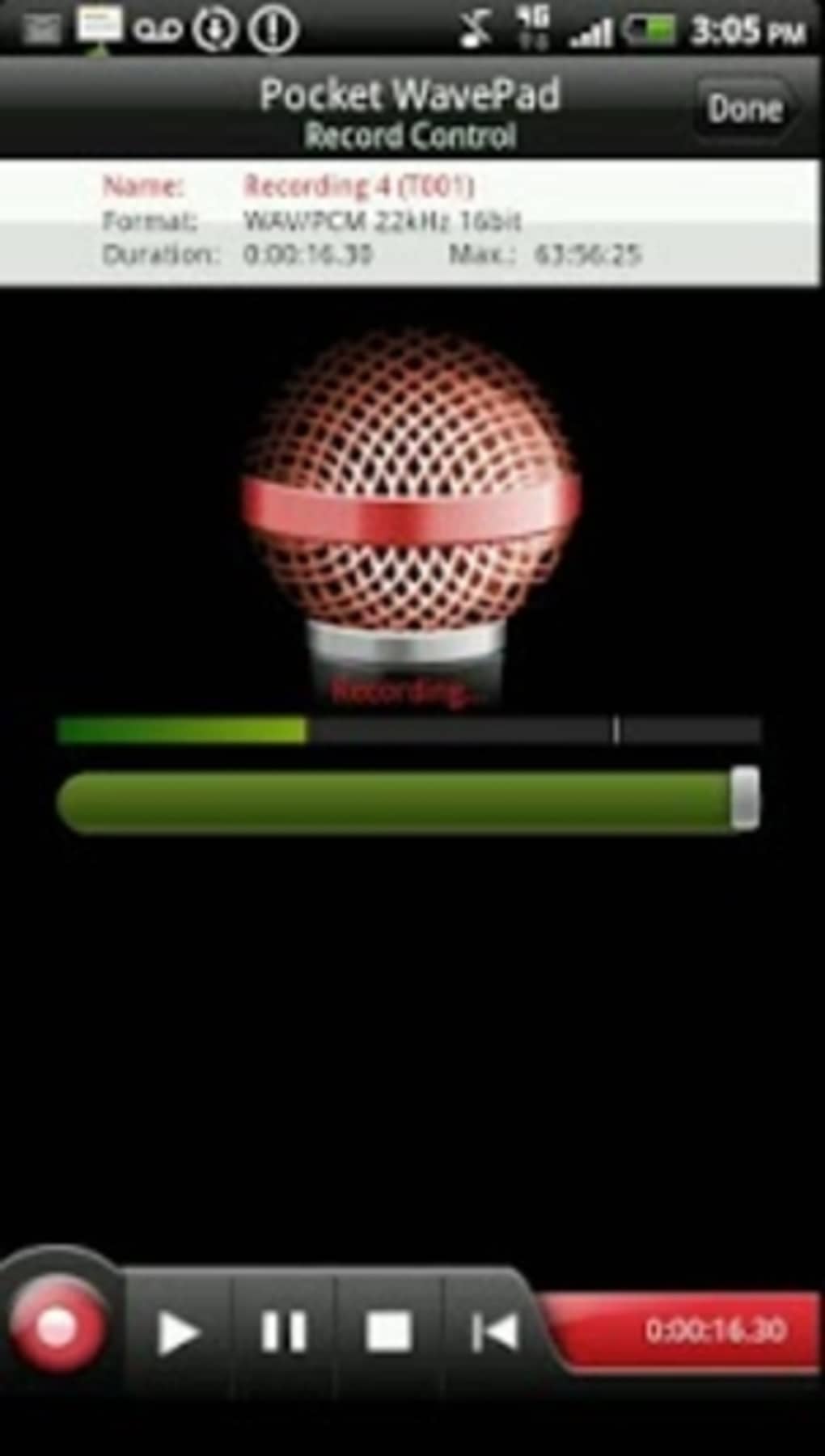
- On-the-Go Audio Recording – Users can record audio directly within the app, making it ideal for capturing interviews, field notes, or spontaneous voice memos while traveling.
- Basic Editing Tools – Includes functions such as cut, copy, paste, trim, and delete to allow users to refine audio segments with minimal effort.
- Format Support – Supports multiple audio file types, enabling users to import and export files in widely used formats for cross-device compatibility.
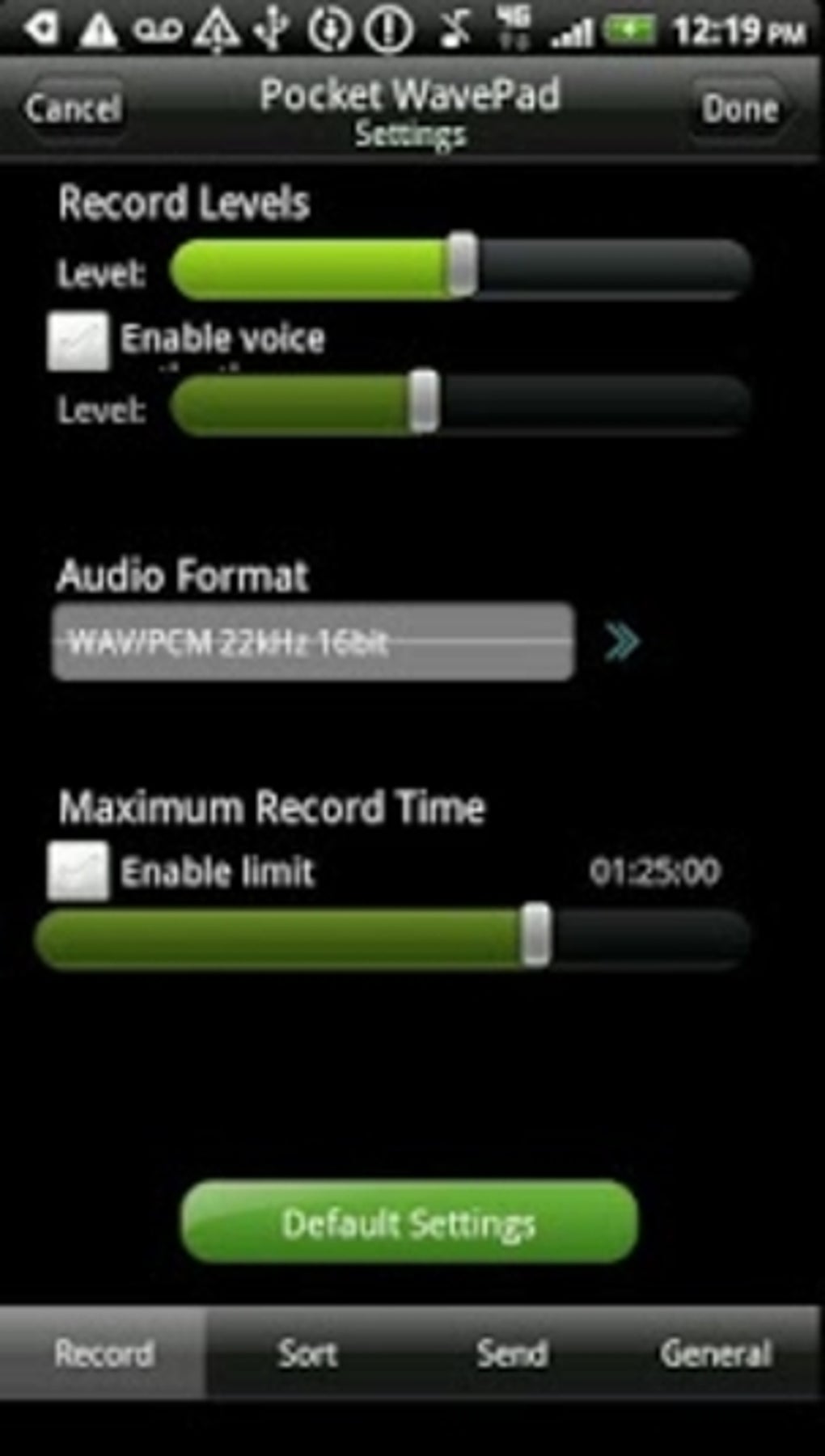
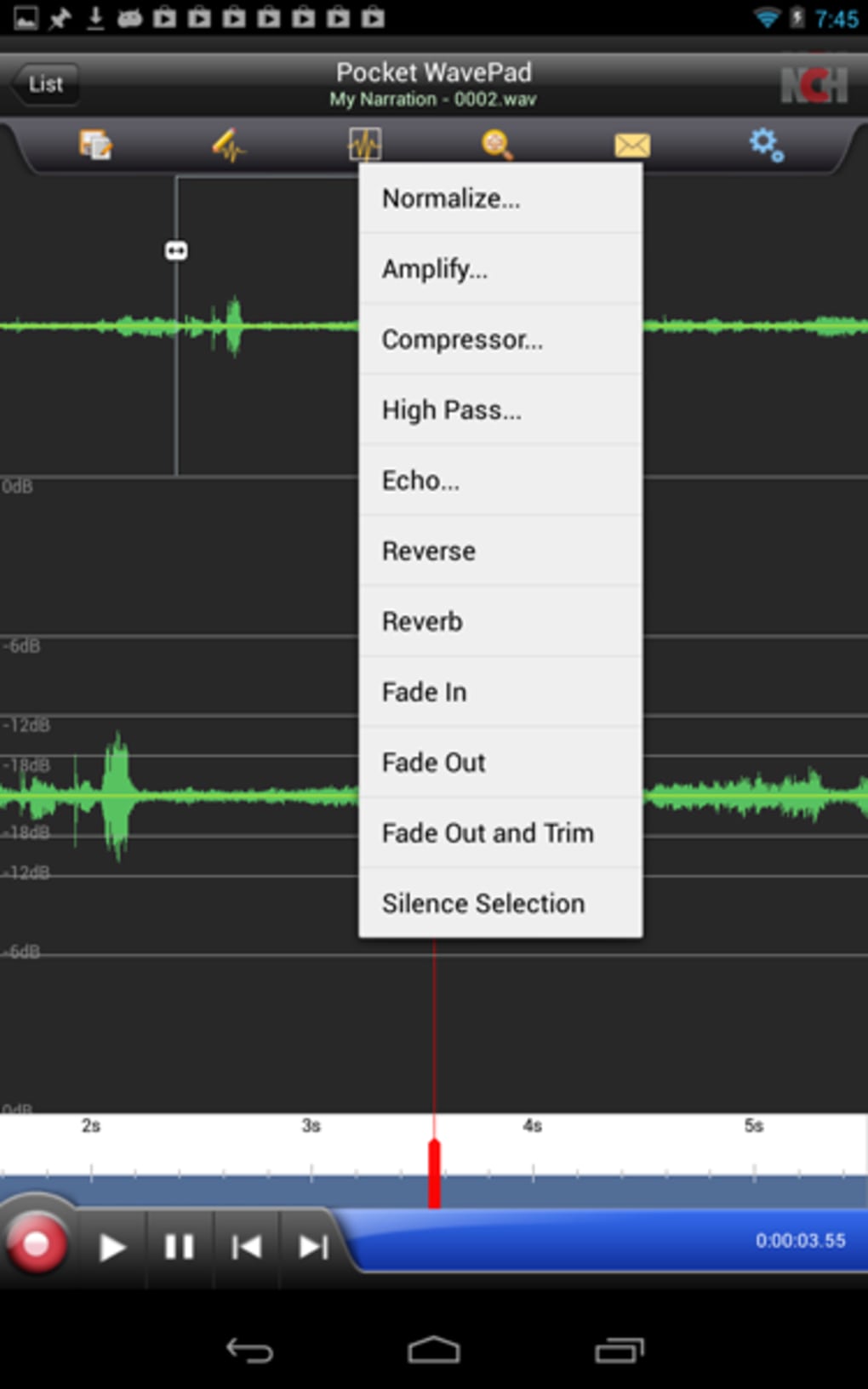
- Volume and Effects Adjustment – Offers basic controls for adjusting volume levels and applying simple audio effects to enhance clarity or remove background noise.
- File Sharing and Storage Options – After editing, users can save files to local storage or share them via email, messaging apps, or cloud services.
These features are tailored for users who require a mobile-first approach to audio editing. For example, a journalist covering a breaking story can record an interview, trim irrelevant sections, and share the edited clip with their editor—all from a smartphone. Similarly, a student preparing a voice report can refine their recording in real time, ensuring the final output is clear and concise. The app’s lightweight nature ensures it runs smoothly on most Android devices, though its functionality remains limited compared to desktop alternatives.
User Interface, Workflow & Performance
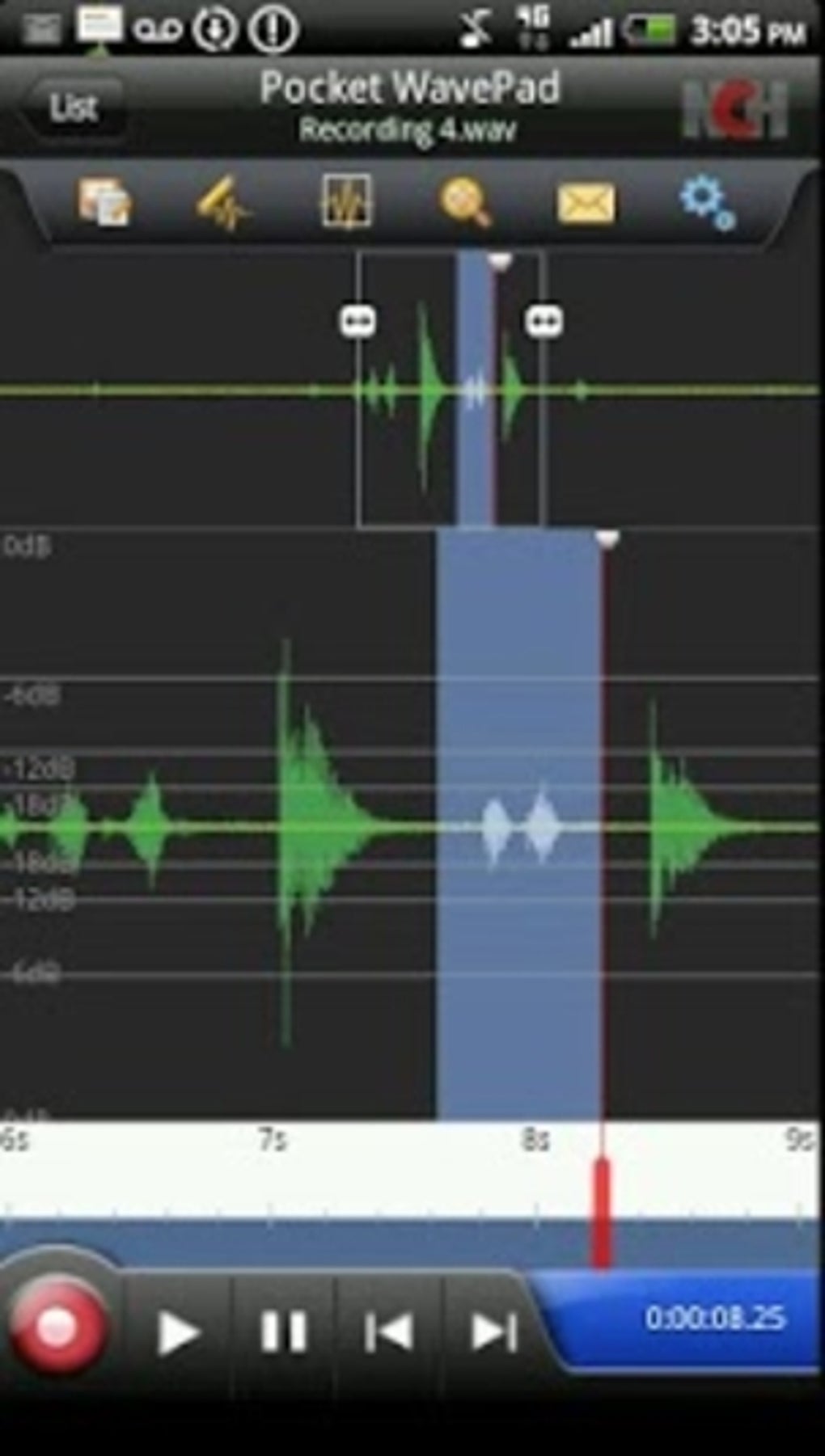
The user interface of WavePad Audio Editor Free APK is designed with simplicity and efficiency in mind. The main screen displays a waveform visualization of the audio file, allowing users to visually identify sections for editing. Navigation is straightforward, with toolbars and menus positioned for easy access, minimizing the need for complex gestures or hidden options. The workflow follows a linear path: open a file, edit as needed, and export or share. This intuitive structure reduces the learning curve, making the app accessible even to users with minimal technical experience. While the developer did not specify resource usage details, the app’s 15.4 MB size suggests a lightweight footprint. Performance is expected to be stable on modern Android devices, though prolonged editing sessions may impact responsiveness on older hardware. Stability during basic operations such as trimming and exporting appears reliable based on general software behavior patterns. However, the app may experience delays when processing longer audio files due to the 10-minute limit, which restricts continuous editing beyond that threshold. The user experience is further affected by frequent prompts to upgrade to the paid version, which may disrupt workflow continuity.
Compatibility & System Requirements
WavePad Audio Editor Free APK is compatible with Android operating systems, though specific version requirements were not listed by the developer. The application has a file size of 15.4 MB, indicating a compact installation that should not strain device storage. The developer did not provide additional system requirements, such as minimum RAM, CPU specifications, or storage space needed for editing. Compatibility information is limited to the platform, meaning users should verify functionality on their specific device model. Installation is straightforward, and the app is available through official Android distribution channels. The lack of detailed system specifications means users should rely on general Android device capabilities when assessing suitability. For optimal performance, devices with at least 2 GB of RAM and a modern processor are recommended, though this is not officially confirmed. The app does not support other platforms, limiting its use to Android users only.
Pros and Cons
Pros
- Free to download and use with no upfront cost
- Simple, intuitive interface suitable for beginners
- Supports multiple audio file formats for flexible editing
- On-the-go recording and editing ideal for mobile professionals
- Quick export and sharing options for seamless workflow
Cons
- Maximum audio file length limited to 10 minutes
- Frequent prompts to upgrade to the paid version
- Limited advanced editing features in the free version
- No official system requirements or performance benchmarks provided
- Platform restricted to Android only
FAQ Section
Is WavePad Audio Editor Free APK safe to download?
The app is published by NCH Software and distributed through official Android channels. It does not contain known malware or security risks. However, users should always download from trusted sources to avoid modified or tampered versions.
Can I use this app offline?
Yes, WavePad Audio Editor Free APK does not require an internet connection to record, edit, or save audio files. All core functions are available offline.
Does the app support long audio files?
No, the free version limits audio editing to files no longer than 10 minutes. This restriction may affect users needing to process extended recordings.
What happens after I upgrade to the paid version?
Upgrading removes the 10-minute file limit and unlocks additional editing tools, effects, and removal of in-app upgrade prompts. Specific features are not detailed in the provided information.
Is the license type permanent?
The developer did not specify whether the paid license is one-time or subscription-based. Users should consult the official website for full licensing details.
Final Thoughts + CTA
WavePad Audio Editor Free APK delivers a functional and accessible solution for mobile audio editing, particularly for professionals like journalists who need to edit recordings while traveling. Its intuitive design, format flexibility, and offline capabilities make it a reliable companion for on-the-go content creation. However, the 10-minute file limit and persistent upgrade reminders may hinder full productivity for power users. While the free version offers essential tools, its limitations prevent it from being a complete replacement for desktop audio software. For users seeking a lightweight, portable audio editor with minimal setup, WavePad Free remains a solid choice. Download WavePad Audio Editor Free APK now and start editing your audio files from anywhere.
Guides & Tutorials for WavePad Audio Editor Free APK
How to install WavePad Audio Editor Free APK
- Click the Preview / Download button above.
- Once redirected, accept the terms and click Install.
- Wait for the WavePad Audio Editor Free APK download to finish on your device.
How to use WavePad Audio Editor Free APK
This software is primarily used for its core features described above. Open the app after installation to explore its capabilities.
User Reviews for WavePad Audio Editor Free APK 0
No reviews found





